Can I Handwrite My GLRC Solutions or Should I Type Them?
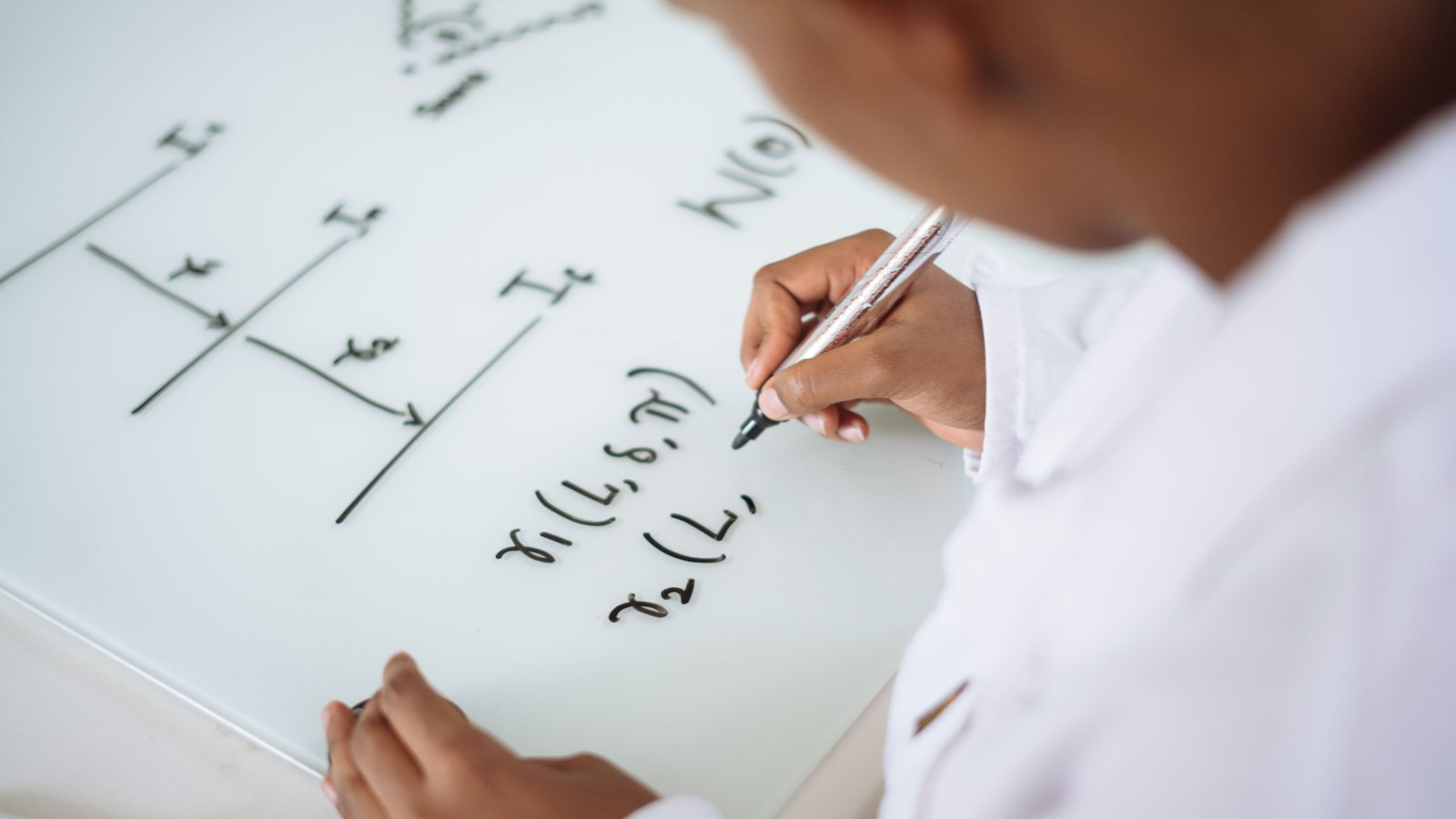
If you are asking, “Can I handwrite my GLRC solutions?” the answer is yes. For the Qualification Round, GLRC recommends typing, but clear photos of handwritten work are also accepted. If your handwritten solutions take up several pages, you can combine the photos into one PDF. When choosing a format, think about the file someone else will open, not just what looks good on your desk or in your editor.
Can I Handwrite My GLRC Solutions if I Have Diagrams?
Yes. Handwriting can be a good choice when you need to draw a diagram, fill in a grid, or write several lines of notation that would be awkward to type. If you already use an equation editor or TeX comfortably, typing those same solutions may be just as practical. There is no need to learn a new tool just to find out whether your usual one can produce readable work.
Try a small comparison before committing. Pick a few lines that include a sentence, an equation, and a labeled sketch. Type them using the tools you know, then write them by hand and photograph the page. Look at both versions on a screen. Can you tell a lowercase l from the number 1? Can you see which arrow belongs to which label? Choose the method that gives you the clearer result without adding a lot of cleanup.
Where Typing and Handwriting Save Time
Typing makes it easy to insert a sentence or move a paragraph without rewriting a page. It also gives you consistent headings and spacing. But what looks fine in the editor can change when you export. A wide table can extend past the margin, or the last line of a calculation can land alone on the next page. If you export your typed work as a PDF, open that PDF to check it rather than relying on the editor preview.
Handwriting lets you place a label exactly where it belongs on a sketch and line up calculations without formatting commands. The extra work comes when you turn the paper into a file. A minus sign that is obvious on the original sheet might disappear in a shadow. If you go with paper, use marks that show up clearly against the page and leave enough space around diagram labels, symbols, and page edges. If a correction leaves two possible readings, rewrite that line instead of expecting the photo to make it clearer.
Photograph Pages So Small Details Stay Visible
Put the paper on a flat surface in even light. Hold the camera directly above the page rather than off to one side, and leave all four corners in view. If your hand or phone casts a shadow over the work, move the page or change the lighting before taking the photo. Check the first image before photographing the rest so you can fix a setup problem once instead of retaking every page.
Zoom in on the smallest writing, especially subscripts, inequality signs, and diagram labels. A photo can look sharp as a thumbnail while still blurring the difference between < and ≤. If the bottom line is missing or a symbol is out of focus, retake the photo. Rotate sideways images and crop out the desk, but keep a small margin so the crop does not cut off a problem label, page number, or stray line of reasoning near the edge.
Combine Several Page Photos Into One PDF
Decide on the order before importing the pictures. Numbering the paper pages gives you a way to check that order after export. You can also rename the photos 01, 02, and 03 so they are easy to recognize in a file picker. If you retook a page, put the older image somewhere else so you do not accidentally include both.
- Choose a way to make the PDF. You can insert the photos into a document, one photo per page, and export the document as a PDF. You can also use an image-to-PDF tool that lets you arrange the photos before saving.
- Set the order in the preview. Compare the thumbnails with your paper stack. If a solution continues onto another page, make sure its continuation comes right after the first part. Do not assume the order in which you selected the pictures is the order the tool will use.
- Save and open the new file. Give it a name you can recognize when you upload. Check that the PDF opens, that its page count matches your intended stack, and that no export setting has made the handwriting too small or fuzzy.
Read the Actual File Before You Upload
For either format, start with the thumbnails in the saved file. Look for blank pages, duplicates, missing pages, and pages turned sideways. Then read from the first page to the last in order. At each page break, check that the next page really does pick up where the previous one left off. Two pages can look nearly identical in a thumbnail even when only one contains the final lines of a solution.
Now look at full pages and zoom in where you need to. Check that you can distinguish x2 from x2, read the ends of long lines, and match diagram labels to the right parts of the drawing. If you find a problem, fix the source document or replace the photo, export again, and reopen the replacement file. An edit in your document or photo app does not change a PDF you already saved.
The GLRC rounds page describes the accepted formats for the Qualification Round. If you have a submission question the page does not answer, use GLRC FAQ and support.
When the upload picker opens, select the same file you just checked. If you have several drafts with similar names, move the checked copy to a separate folder first so you do not attach an earlier version by mistake.
Frequently asked questions
Do I have to use TeX for the Qualification Round?
No. Typing is recommended, and TeX is one example of a tool you can use. Clear photos of handwritten work are also accepted.
Can I put several handwritten pages in one PDF?
Yes. Combine the page photos in order, then open the exported PDF to check that every page is present and readable.
What if one photo is blurry in my PDF?
Retake that photo, replace the blurry one, and export the PDF again. Reopen the new file to check the replacement and its position.
About the Global Logic and Reasoning Competition: an online logic and reasoning competition for high school students from around the world. How the rounds work